
Adding comparables to your reports is a great way to demonstrate how you arrived at your valuation price. With the Sprift sales platform you can see properties For sale, SSTC, Sold and Withdrawn. You can then filter the comparables to those that have similar characteristics to the one being appraised. By including these comparable properties in your reports, you provide a tangible reference point for your valuation and show the rationale behind your pricing decision.
The images shown on the comparable properties are taken from the portal listings. These are shown in the order they are recieved.
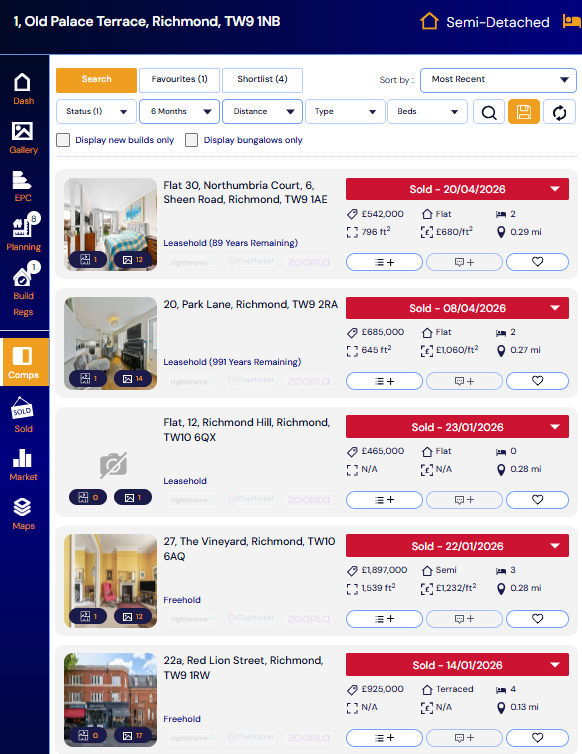
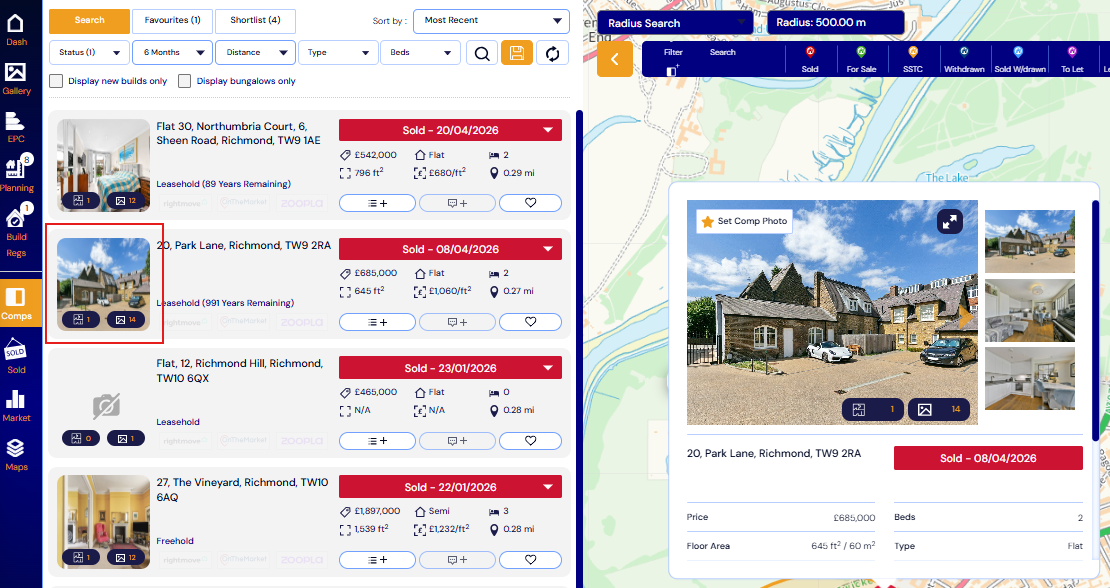
You can edit the thumbnail image for sold comparables which display a multiple image symbol.
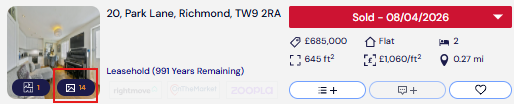
To do this you will need to click on the comparable in the left hand list.
A pop up will then open on the map from the comparable pin.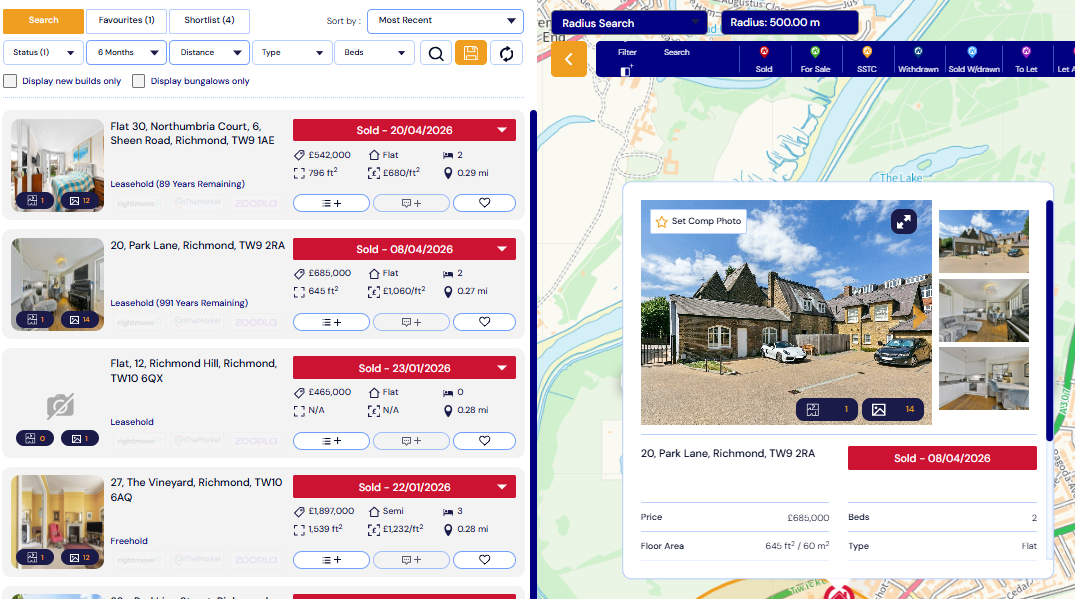
Here you can scroll through available images and select 'select comp photo'.
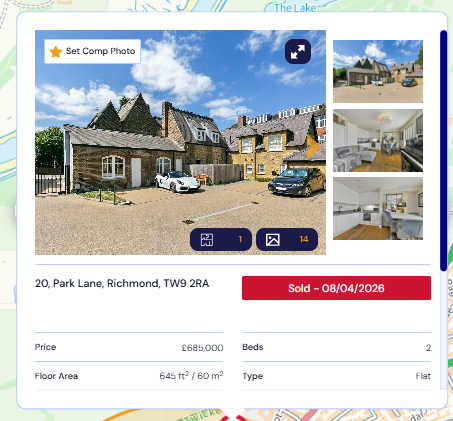
This image will now show in the left hand list and be used in your report.
Please note this function is only available on sold comparables. The image cannot be amended on For sale, Withdrawn or SSTC.
If you have any questions or run into any issues, don't hesitate to reach out to our support team at customer.success@sprift.com or 0207 096 0847.
We're always here to help you get the most out of the platform.